Name Place Animal Thing for Kids: Easy Rules + Printable
 Play Categories
The easiest way to play Name Place Animal Thing with kids is to keep the paper game but turn down its four pressure dials: use easy letters, fewer columns, a longer clock and a team instead of a solo sheet. Everything below is advice for parents and teachers, plus what the online version really lets you set.
Start with the paper version
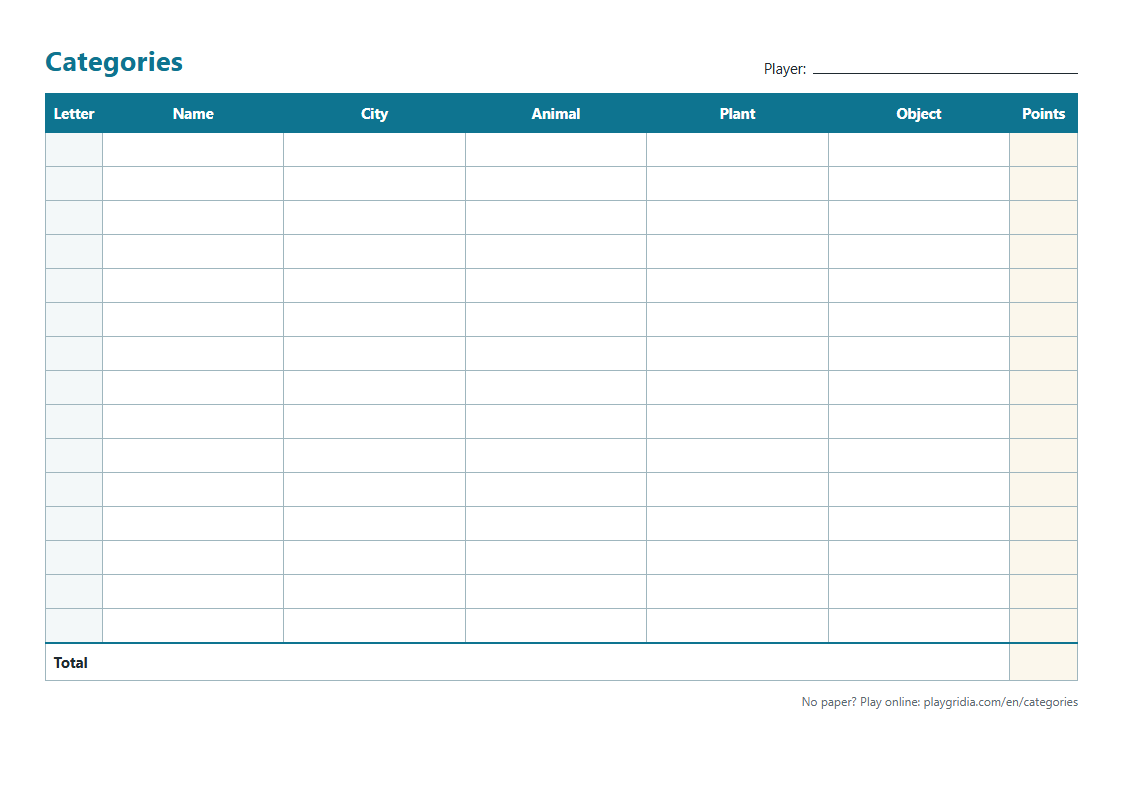
The classic needs a pencil, a grid and a letter. Print the free sheet (PDF, landscape): it has a Letter column, five answer columns (Name, City, Animal, Plant, Object), a Points column, 15 rows and a total line. The sheet and categories post explains each column and has more category ideas.
If you have never explained the rules, read how to play Name Place Animal Thing first. For kids, the short version is enough: one letter is called, everyone writes a word that starts with it in each column, and the first person to finish says STOP.
Four dials you can turn down
Easier letters
Do not let a child draw the letter that nobody can answer. Pick from the friendly ones yourself, or draw from a hat holding only those letters. On paper you can also allow one skipped letter per game. To draw a letter fairly, use the random letter generator and re-draw if the letter is too hard for your table.
Fewer columns
On paper, fold the sheet or cover columns so that only two or three are in play. Animal and Name are good first columns because every child already knows some. Add the rest as the game gets familiar.
A longer clock, or none
The rush of STOP is the fun for some children and the stress for others. Agree that nobody calls STOP until everyone has at least three words, or use a sand timer that you turn over once and let run out.
Teams instead of solo sheets
Put a stronger writer and a weaker one on one sheet, or let a parent play as a team member rather than as the referee. One person suggests, the other writes. Nobody is left staring at an empty column.
Ideas by situation
These are suggestions to adapt, not rules from the game. You know your children better than any table does.
| Situation | Rule change | Why |
|---|---|---|
| Children who are only starting to write | Pairs share one sheet; two or three columns; the adult may spell a word aloud | Spelling stops being the hurdle, and the game is about finding words |
| Confident writers | All five columns, normal clock, and keep a few bonus points for finishing first | They get the real game without a handicap |
| Mixed ages at one table | Younger players get a head start of a few seconds, or one column filled in for them | It evens the pace without anyone being told they are slower |
| A classroom | Teams of three or four, one sheet per team, the teacher draws the letter | Everyone talks, and the teacher controls the clock for the whole room |
| An argument about a word | Let the table vote on the unusual answer; on a tie, the answer stays | The online game settles it the same way, so the habit carries over |
Scoring that stays friendly
The online game scores 10 points for a valid answer nobody else wrote and 5 for an answer someone else also wrote, no matter how many people shared it. The first player to press STOP earns 5 extra points, but only if at least three of their answers scored. You can copy that on paper: it rewards an unusual word more than a fast hand, which suits a mixed table. If speed upsets someone, drop the STOP bonus and score only the 10 and 5.
A classroom version
Split the room into teams. The teacher draws a letter with the generator and shows it on the board. Teams write for a fixed time that you set for the whole class, then read answers aloud, one column at a time. Matching words score 5 and unique words score 10. Keep the letters friendly and let the class vote on any word a team insists is real.
The online version for families
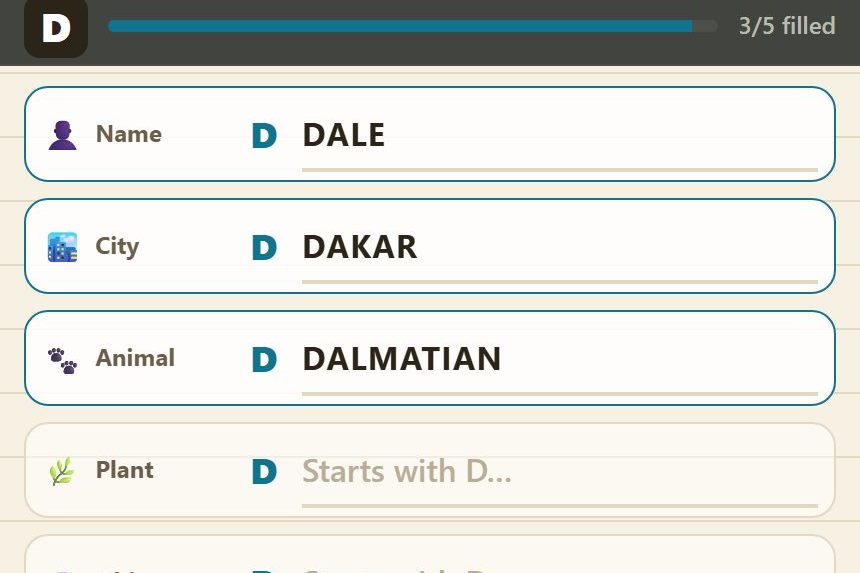
The online game uses a fixed sheet with five columns: Name, City, Animal, Plant and Object. You cannot remove a column or add your own, so on a screen the way to go easy is through the room options. When you create a room you can choose:
- Rounds: 3, 5 or 8 (the default is 5).
- Writing time: 45, 60 or 90 seconds (the default is 60). Pick 90 for children.
- STOP rule: with the default, once someone presses STOP the table gets at most 10 more seconds. Choose "Until time runs out" and nobody can cut anybody off; the clock ends for everyone at once.
- Word language: Turkish, English, French, Spanish, Russian or Korean, independent of the interface language.
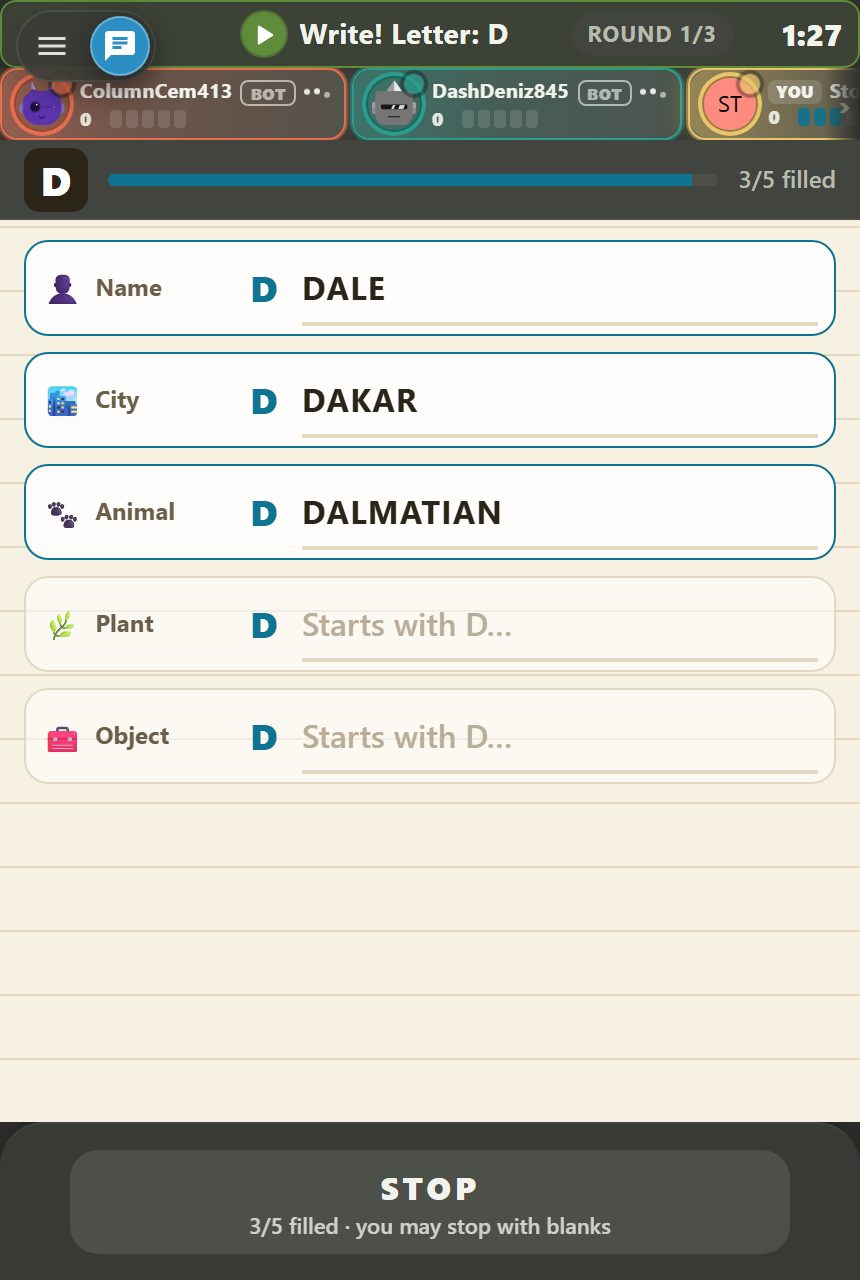
The letter is drawn for you, and it never repeats inside one match. A room holds 2 to 6 players, and guests can play without signing up; a room owned by a guest seats at most 4. Press the Play button at the top of this post to try a quick match against bots, or read the online guide.
Bots as a gentle opponent
Bots have three levels. The easy bot fills each field only about half the time, writes slowly and never presses STOP. That makes it a calm table-mate for a first match. Bots write only words from the game's own lists, so if a child types a word that is not on the list, the bots judge it by one test: at least two letters and the right first letter. A tie in the vote passes.
So what do you do with this?
Pick the version that fits the evening. For the kitchen table, print the sheet and cover two columns. For a class, draw letters with the generator and play in teams. For a quick screen round, set 90 seconds and "Until time runs out", add an easy bot, and let the children type. When the basics feel easy, the funny categories post has ideas for paper rounds.
Frequently Asked Questions
How do you play Name Place Animal Thing with young children?
Keep it to two or three columns, let children share a sheet in pairs, and choose the letter yourself so it is an easy one. Skip the rush: agree that nobody says STOP until everyone has a few words.
Is there a printable Name Place Animal Thing sheet for kids?
Yes. The free printable sheet is a landscape PDF with a Letter column, Name, City, Animal, Plant and Object columns, a Points column, 15 rows and a total line. For younger children you can fold or cover columns so only two or three are in play.
Can I make the online game easier for children?
You cannot remove columns, because the online sheet always has all five. You can choose the longest writing time (90 seconds), fewer rounds (3), and the STOP rule Until time runs out so nobody can cut the others off. An easy bot never presses STOP.
How do I play it in a classroom?
Make teams of three or four with one sheet each. The teacher draws the letter, sets one time for the whole class, then the teams read their answers aloud. A word two teams wrote scores 5 and a unique word scores 10, as in the online game.
Can kids play online without an account?
Guests can play without signing up. A room owned by a guest seats at most 4 players, and any room holds 2 to 6. The Play button at the top of this post starts a quick match against bots.