Play Ludo Online with Friends: Free, No Download
To play Ludo online with friends, open the Ludo page in a browser on your phone or computer, set up a table and send your friends the room link. The game runs in the browser, so there is nothing to install, and a friend who opens the link without an account is given a guest seat instead of being asked to sign up first. This guide covers the setup, what to do when nobody is online, what happens when a connection drops, and what is free.
Set up a table and share it
Start a new room from the Ludo page and a short wizard walks you through the table. Every step has a default, so you can also open the room with the standard settings and change nothing.
- Table. Choose the number of seats, from 2 to 4. Leave a seat open for each friend, or put a bot in any chair you do not expect to fill.
- Board. Pick the Ludo board (15×15, a piece enters on a 6) or the Parchís board (19×19, a piece enters on a 5). Both are free, and so is the Classic look.
- Rules. Choose Classic (bring all four pieces home) or Quick (one piece starts on the board, and the first to bring two home wins). Switch on 2 vs 2 if exactly four seats will be filled. On the Ludo board you can also turn on Walls.
- Move time. Still on the rules page, set the clock for each turn: 20 seconds by default, or 15, 30, 45 seconds or 10 minutes. There is no unlimited setting.
- Share. Once the room is open, the host has two buttons. Invite a friend opens your friends list. Share link sends the room link through your device's share sheet where it has one, and otherwise copies it to the clipboard. The link opens in your friend's own language.
- Start. Start the match when everyone has sat down. A match needs at least two seats filled.
A table made this way is an ordinary room that you share by link, and an open seat waits for whoever takes it: the wizard's own hint reads "invite a friend or let anyone sit". So size the table to your group, or put a bot in the spare chair.
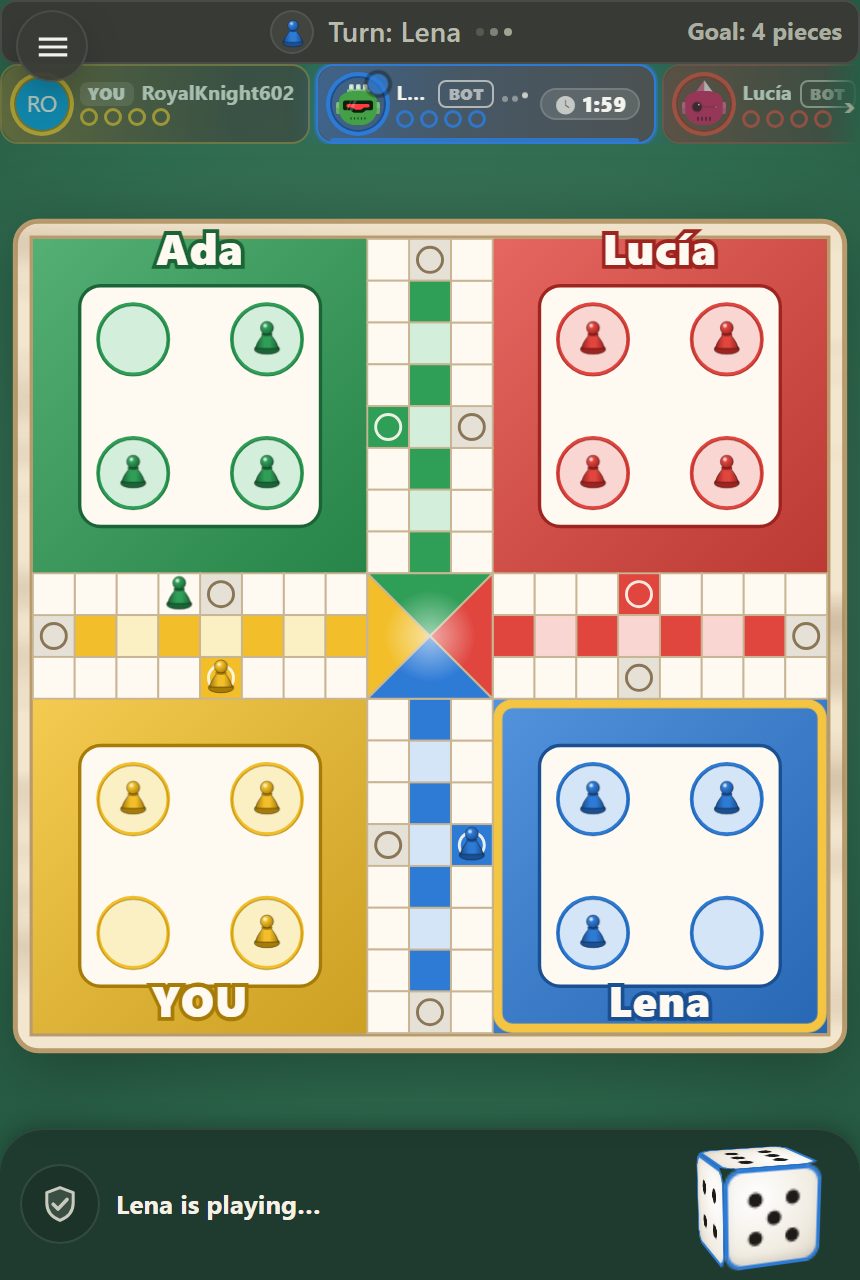
The room options at a glance
| Option | Choices | Cost |
|---|---|---|
| Seats | 2, 3 or 4 | Free |
| Bots | None, or Easy, Medium or Hard bots in the empty seats (Medium by default) | Free |
| Board | Ludo or Parchís | Free |
| Look | Classic, Azulejo, Palace, Midnight | Classic is free; the other three cost 100 coins for one match, paid by the host |
| Game | Classic or Quick | Free |
| Teams | Every player, or 2 vs 2 (exactly four seated) | Free |
| Walls | Off or On (Ludo board only) | Free |
| Move time | 15, 20, 30, 45 seconds or 10 minutes | Free |
The rules of each board are in the how to play Ludo guide and the Parchís rules guide.
Seats, colours and partners are drawn
When the match starts, the seats are shuffled at random. Nobody, the host included, picks a colour or a corner, and the host does not automatically move first: the match's first locked roll decides who starts. With two players you sit in opposite corners.
2 vs 2 works only when exactly four seats are taken, by friends or by bots. Partners are the two seats opposite each other, so your partner is drawn as well, and you cannot choose or swap. You can never capture a partner, and the team wins when both partners have brought their pieces home. The 2v2 guide shows how that plays.
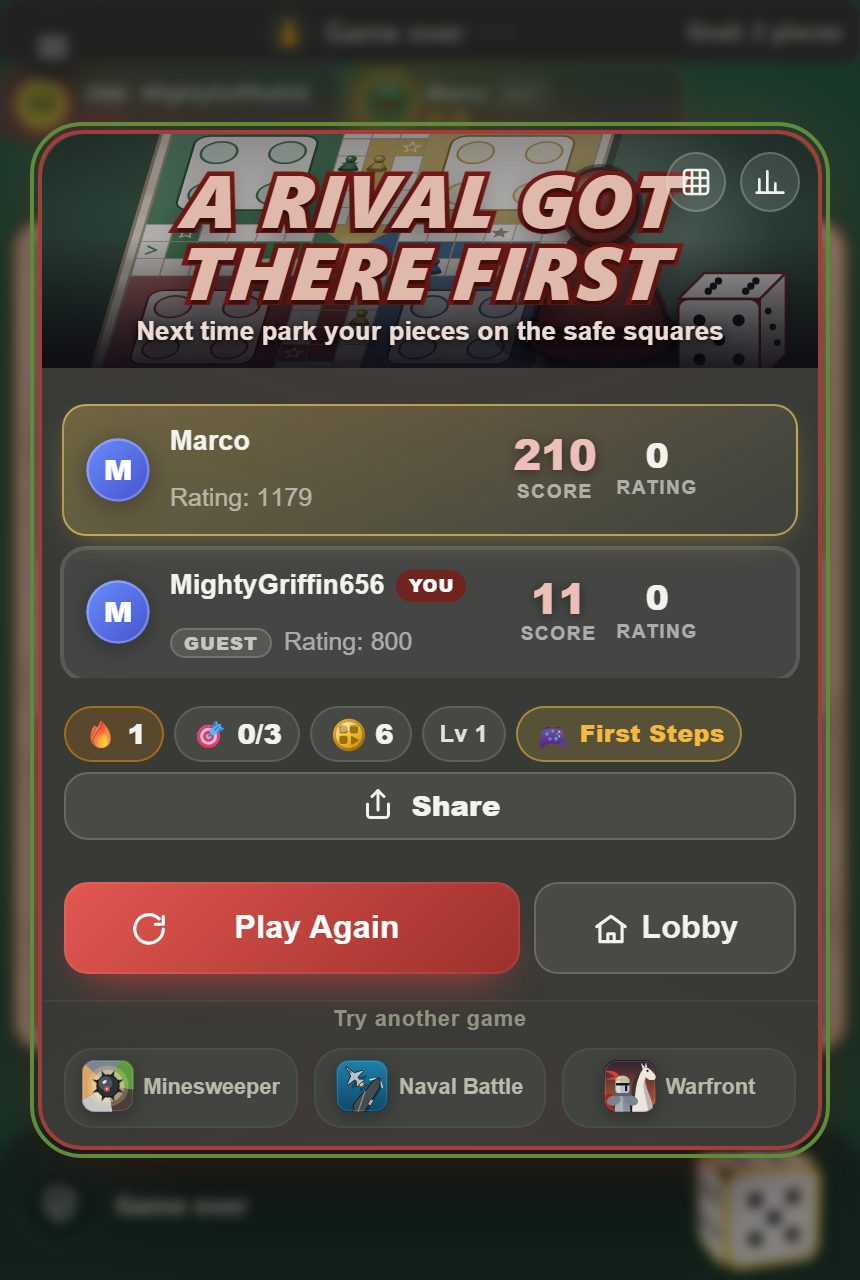
No friends online? Play with bots
Seat bots in the wizard, or add them one at a time from the room. There are three levels:
- Easy plays loosely: its choices carry a lot of deliberate randomness and it weighs danger lightly.
- Medium, the default, weighs captures, safe squares and danger, with only a little randomness.
- Hard has no randomness at all, values a capture more highly, and counts how many different die faces could hit a square.
A table with only you and bots has no empty seat, so it skips the waiting room and starts at once. Bots roll through the same locked dice as everyone else, and the bot's code never reads them; the fair-dice guide shows how to check the rolls after a match.
If someone drops or runs out of time
Running out of the clock
A stalled turn never freezes the table. When the clock runs out, the game rolls and moves for that seat with the medium bot's judgement. A seat that has not acted yet gets one extra clock's worth of time, once, before that happens. A seat that keeps missing its clock is handed to a bot once the missed time adds up to 10 minutes, and that handover can be reversed.
Losing the connection
At a table of three or more seats, a player who disconnects keeps their place. After 120 seconds a medium bot plays the seat, and the player can take it back on returning. At a two-seat table with two people, the one who stays decides: continue with a bot, or leave the table and win. They have a 30-second window, and if they do not answer and the other player is still gone, they win. Leaving on purpose, rather than dropping, is final: that seat cannot be reclaimed.
What is free and what costs coins
Both boards, every rule option (Quick, 2 vs 2, Walls), the bots and the Classic look are free. The only paid item is a Look: Azulejo, Palace or Midnight. It costs 100 coins for one match, only the host pays, and everyone else plays on it at no charge. The coins are the ones you earn by playing. A Look is cosmetic: no rule option can be bought, and it changes neither a rule nor a roll.
Rated or not
A table with at least two people seated when the match starts counts as a rated match, however many bots fill the other seats, so two friends plus two bots count. A table with one person and bots is not rated. A match that ends while a bot is covering for a seat that ran out of time is not rated either.
So the plan is short: pick a board, set the seats to the size of your group, keep the 20-second clock or lengthen it for a chatty table, press Share link, and let the draw sort out seats and partners. If a friend is late, a bot can fill the chair. When your group is ready, the table is on the Ludo page.
Frequently Asked Questions
Do my friends need an account to play Ludo online with me?
No. A friend who opens your room link without an account is given a guest seat. You can also use the Invite a friend button to send the invitation to someone on your friends list.
Can two people play Ludo online?
Yes. A table seats 2 to 4 players, and with two players you sit in opposite corners of the board. Two friends plus two bots also count as a rated table.
Can I choose my colour or my 2v2 partner?
No. Seats, colours and partners are drawn at random when the match starts, and there is no way to swap seats. In 2v2, which needs exactly four seats filled, your partner is the player sitting opposite you.
Is online Ludo free?
Yes. Both boards (Ludo and Parchís), all the rule options and the bots are free, as is the Classic look. Only the Azulejo, Palace and Midnight looks cost anything: 100 coins for one match, paid by the host alone.
What happens if my friend's connection drops?
At a table of three or more seats, their seat goes to a medium bot after 120 seconds and they can take it back when they return. At a two-seat table you are asked whether to continue with a bot or leave the table, which counts as a win for you.
Can I play Ludo online against the computer?
Yes. Seat one or more bots at the Easy, Medium or Hard level, and a table with only you and bots starts at once. Such a table is not rated, because a rated match needs at least two people at the start.