Strategy Games for Kids: Turn-Based, Free to Play
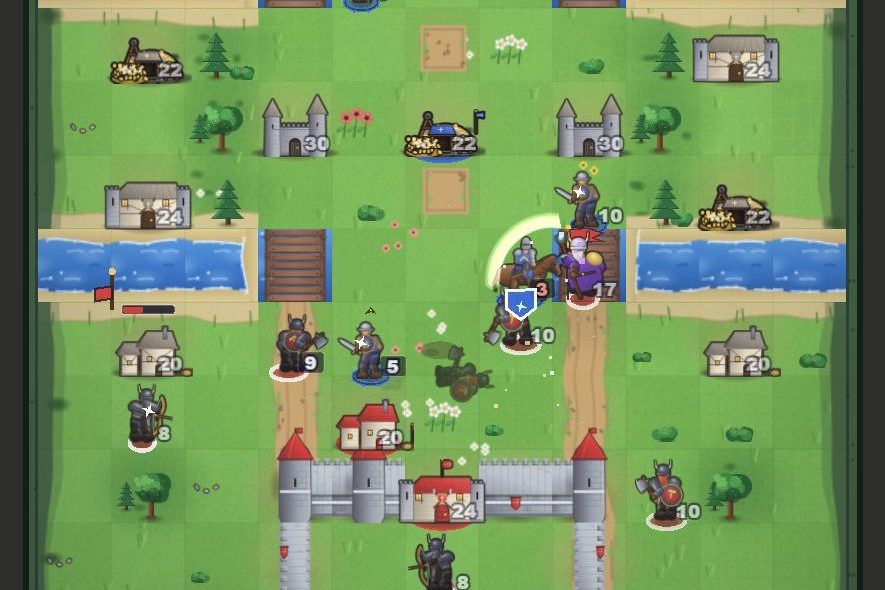 Play Warfront
The best strategy games for kids are turn-based ones: nothing moves while the child is thinking, so the whole game is planning, and a free browser war game with an easy bot is a gentle place to start. This page explains what a child actually practises in a match, and how a parent can set one up in a few minutes.
Why turn-based suits children
In a real-time game the player who clicks fastest wins, and a child learns to panic. In a turn-based game you act until you press End Turn, and then the other side acts. Nothing happens in real time, so a child can look at the board for as long as they like and change their mind next turn. For the difference in detail, see real-time vs turn-based strategy.
There is a clock, but it is a gentle one. The move clock defaults to 120 seconds and you can choose 60, 120, 180, 240 or 600. If it runs out, nothing is lost: the turn is simply ended for that player, no unit is moved and income still arrives. It is not a forfeit.
What a child learns from a strategy match
Warfront is a turn-based war game on a square grid for 2 to 4 players. Each side has a hero commander and an army, captures villages and mines for gold, and wins by defeating the enemy hero or capturing the enemy headquarters. It has no base building and no resource gathering, so a child never has to juggle a dozen things at once. Gold is the only resource and it arrives on its own from what you hold.
| Skill | Where it shows up in a match | Tip for the parent |
|---|---|---|
| Planning ahead | A new recruit cannot move on the turn it is bought, and each building trains one unit per turn. | Ask "where will this soldier be next turn?" before they press End Turn. |
| Counters | Strong matchups deal 1.75 times damage and weak ones 0.6 times. A Spearman is strong against Cavalry, for example, while Cavalry is strong against Archers. | Let them lose one fight to a bad matchup, then ask what they would send instead. |
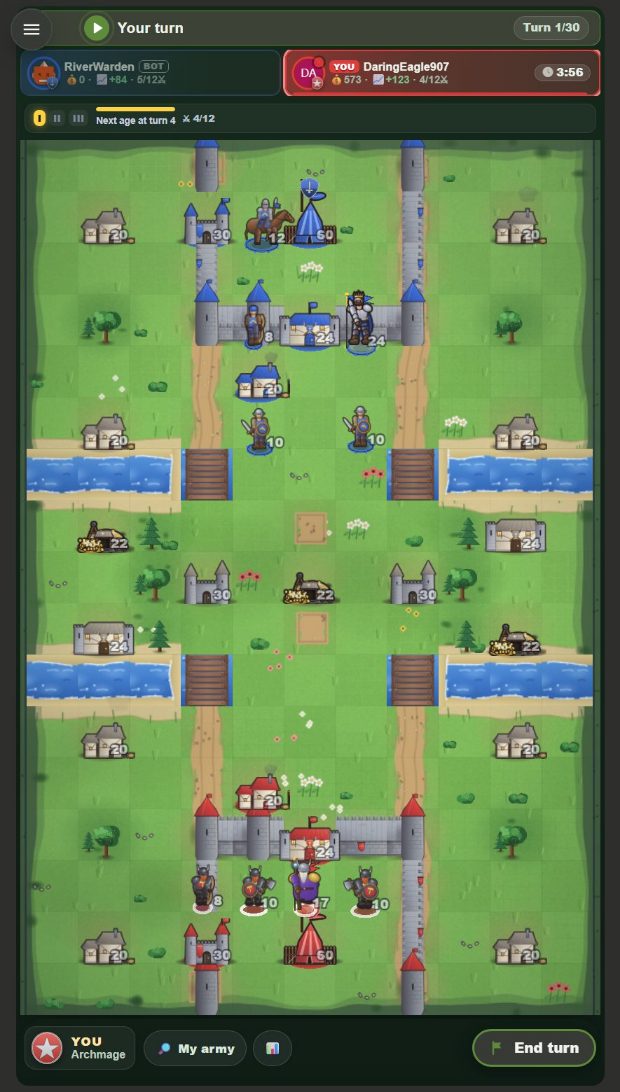
| Reading the map | The default board, Twin Rivers, has two rivers crossed by 4 bridge tiles and an open middle. | Ask which bridge the enemy will use, and who gets there first. |
| Saving and spending | Every village pays 60 gold a turn and every mine 110, but each unit on the field costs 13 percent of its price per turn. | Ask whether one more soldier is worth what it costs every turn. |
| Accepting consequences | There is no undo. Damage is not random, and the screen shows a forecast before an attack. | Make "read the forecast first" a habit they own. |
How to start with a child
Use the learn button
The Warfront home page has a learn button beside the quick-play and create-room buttons. It starts a 1v1 against an easy bot with coaching switched on for that one match, limited to 15 turns, and it ends with a prompt to move on to a real match. The game also has a tutorial. A parent can sit next to the child and read the coaching out loud.
Or set up a short match yourself
- Open Warfront and press the Play button above for a quick bot match, or create a room.
- Bots come in three levels: easy, medium and hard. The room default is medium, so choose easy for a first game.
- Pick a turn limit. The options run from 15 to 40 turns, the default is 30, and a first quick match uses 15, so a first-timer already gets the shortest setting.
- Leave the move clock at 120 seconds, or lengthen it. Both options are in the room settings.
Stay on the default board. The two portrait boards fit on one phone screen, and Twin Rivers is the default. The wide boards are bigger than a phone and need drag-to-pan and pinch-to-zoom, so they are better for a second week.
Parent versus child
To play against each other, create a room and share its link. A guest can open it without signing up, and the host can switch the table to link-only so it leaves the public lists. There is no password. The site does not check anyone age, so supervising the account and the session is up to you.
A first-match plan that works
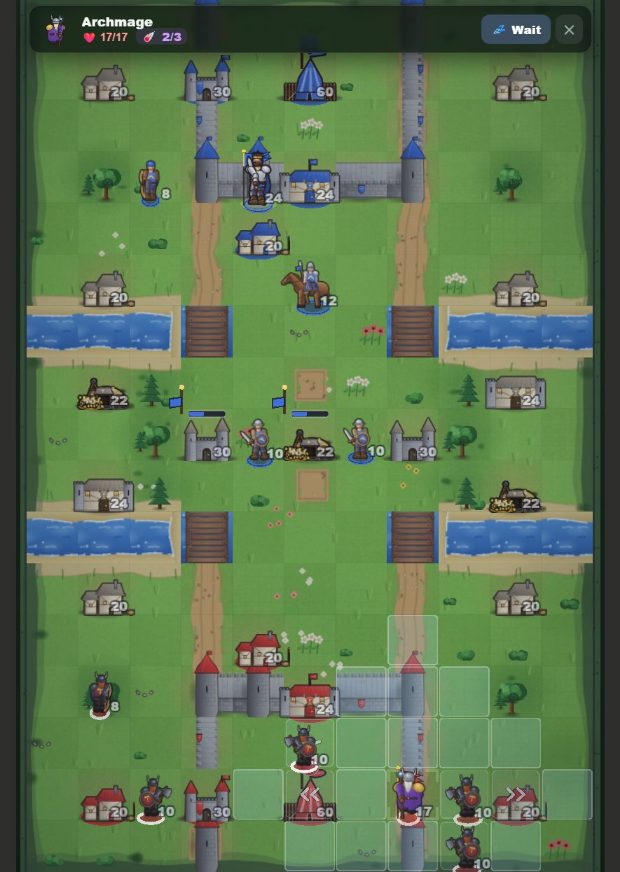
Tell the child the goal in one sentence: take villages for gold and protect your hero. If the hero dies, that side is out and its units leave the board, so a child quickly learns to keep the hero behind the soldiers. Each side starts with two Swordsmen, one Archer and the hero. The cheapest unit that can capture a village is the Swordsman at 100 gold, and a village needs two actions from a full-health one. After the first game, ask what they would do differently, and read the Warfront strategy guide together if they want more.
For a quieter, older classic with a different kind of thinking, see chess for kids. If you want games against other people later, bots versus real opponents explains the difference.
Want more to choose from? The guide to the best online strategy games puts every strategy game on Playgridia side by side.
Playgridia does not check age. A parent or teacher decides when and how a child plays online.
Frequently Asked Questions
What are good strategy games for kids?
Turn-based games are the easiest start because nothing moves while a child thinks. Warfront is a free browser war game with easy bots, a 15-turn first match and a learn mode, so a parent can sit beside the child from the first move.
Is a turn-based game better than real-time for a child?
Usually yes. In a turn-based game you act until you press End Turn, so there is no reflex pressure and the child can plan as slowly as they like. The move clock defaults to 120 seconds, and if it runs out the turn is simply ended, not forfeited.
How do I make the first match easy?
Choose the easy bot, since the room default is medium. Keep the default Twin Rivers board, which fits on one phone screen, and a turn limit of 15, which is the first-match setting. The learn button starts exactly this kind of match with coaching switched on.
Can I play against my child online?
Yes. Create a room and send the room link. A guest can open it without signing up, and the host can make the table link-only so it is not listed publicly. There is no password.
Does the site check how old players are?
No. The site does not check age, so supervising the account and the play session is up to the parent.