Play Ludo Against the Computer: Free vs Bots
 Play Ludo
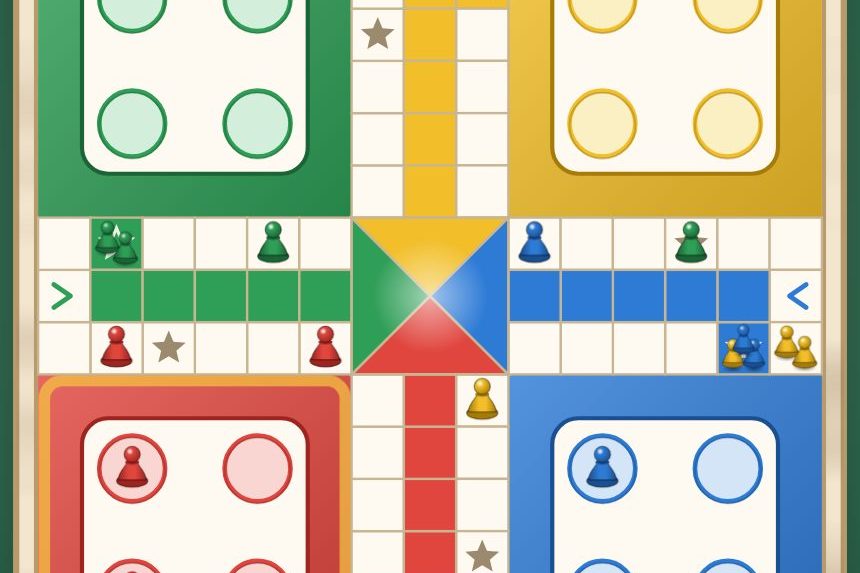
To play Ludo against the computer, press the Play button at the top of this page (or Play Now on the Ludo page): the game seats you at a four-player table with three bots and the match starts straight away, no friends to round up. This guide covers what that table actually is, how to choose the board, the bot levels, the dice, and a few habits that beat the bots.
One tap, three bots
Quick play makes a public room, fills every empty chair with a bot and starts the game. If you are not signed in, a guest session is created for you first, so you can sit down without an account. The quick table has four seats: you and three bots.
One thing surprises new players. Your first-ever quick match opens the short mode: one piece of yours is already on the board, and the first player to bring two pieces home wins. A full classic match can run long, so the first game is deliberately shorter. Later quick matches are the full game, where all four pieces start in the yard and you need all four home. The goal chip at the top of the board tells you which one you are in.
Ludo or Parchís: pick the board
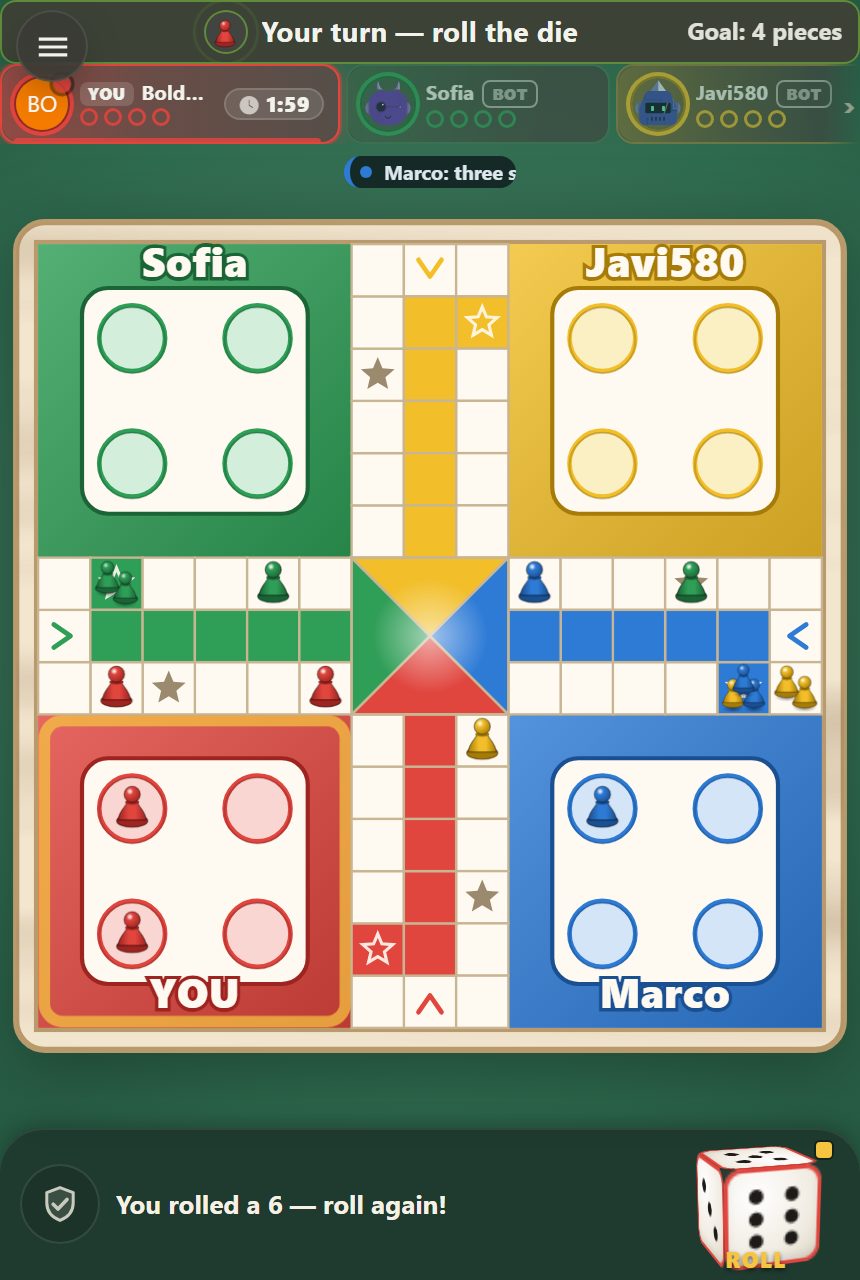
It is one game with two boards. If your site language is Spanish, the board defaults to Parchís; every other language opens the Ludo cross. In Create Room you can switch the board, and the table below shows how they differ.
| Board | Squares | To bring a piece out | Special rules |
|---|---|---|---|
| Ludo | 52 | Roll a 6 | A 6 earns another roll, and three 6s in a row forfeit the turn. A capture or a piece reaching home gives another roll. Two pieces of one colour on a square form a shield: a rival cannot capture them or land there (off the safe squares). |
| Parchís | 68 | Roll a 5 | Three 6s send your last-moved piece home. A capture lets you count 20 with another piece, and bringing a piece home lets you count 10. Two pieces form a barrier that nobody, its owner included, may land on or pass, and a 6 must open one of your own barriers. |
Both boards need an exact roll to finish. For the full rules of each, see how to play Ludo and the Parchís rules.
Set up your own table in Create Room
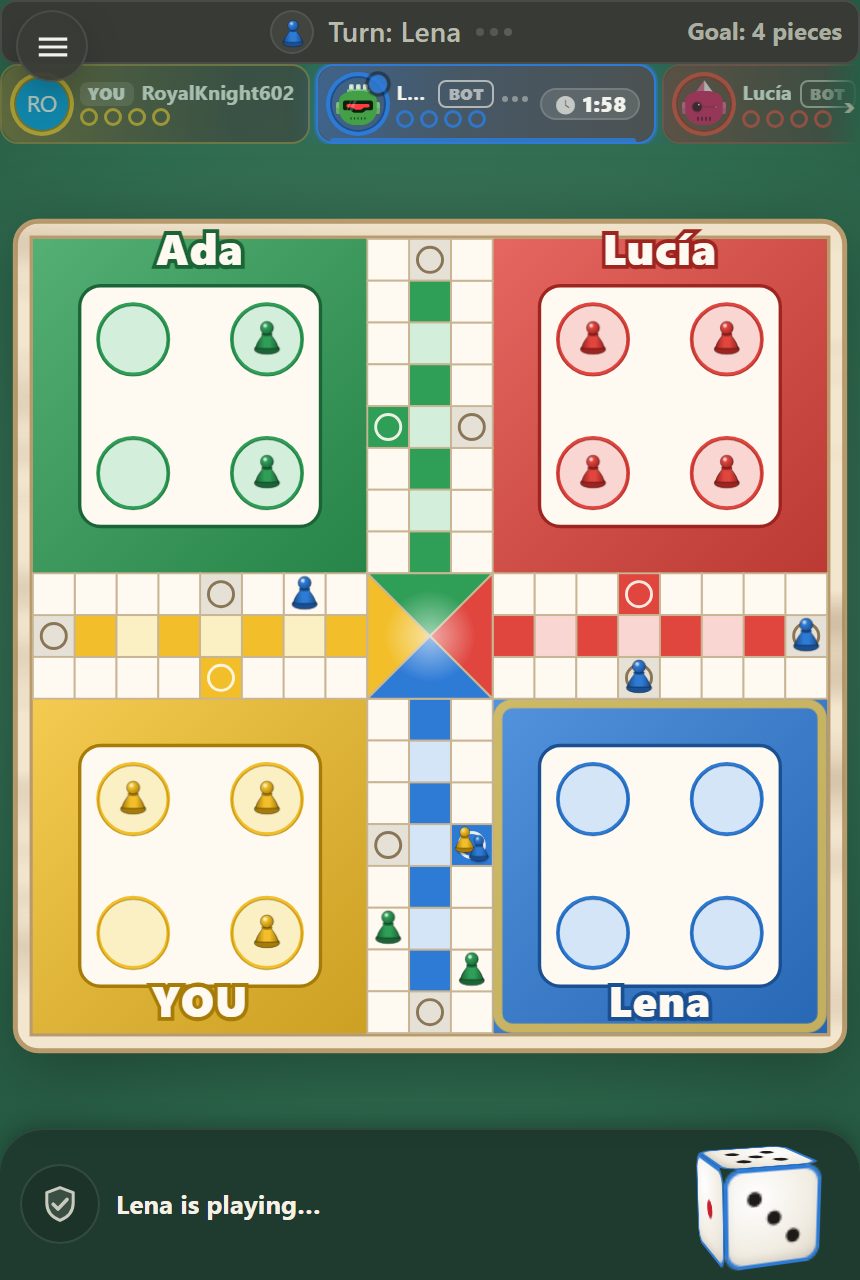
Quick play gives you no say over seats or board, so for control use Create Room. There you can choose the board and the match mode (the short one or the full classic), and add bots one at a time with the Easy, Medium or Hard button. The one-tap room fills every open chair at a single level when you press Start. Two-player and three-player tables are possible too, since the game takes two to four seats.
Teams with bots as partners
The 2v2 team option only works with four seated; with fewer, it is ignored. Opposite seats are partners, you cannot capture your partner, and once a player's pieces are all home they move the partner's instead. The team wins when both partners are home. Fill the two other chairs with bots and you have a team game against the computer; more on it in Ludo 2v2 teams.
Bot levels: casual, steady, sharp
Easy, Medium and Hard map to three playing styles. The default for a solo quick match is Medium.
- Easy (casual): likes progress and a capture ahead, but misjudges danger and adds random jitter to its scores, so it sometimes picks an odd move. It values bringing a piece out a little less than the others do.
- Medium (steady): a club player. It values captures, pieces out and pieces home, avoids squares a rival can reach, and has hardly any jitter.
- Hard (sharp): steady, plus it weighs danger by the chance that a rival's roll will actually hit it. It prefers capturing the rival piece that is furthest along, builds Parchís barriers and plays with no jitter.
All three play through the same legal-move check you do, and a move with only one distinct option is played automatically inside the roll.
Can a bot cheat with the dice?
No. Ludo uses the same commit-and-reveal dice ledger as Backgammon here: the server commits to a secret before the first roll, every roll is derived from that commitment and the roll number, and the secret is revealed when the match ends so any roll can be recomputed. A bot only asks to roll; it cannot choose a value. The full explanation is in is online Ludo rigged?.
The clock, and what a timeout does
The move clock is per turn, 20 seconds by default (15, 20, 30 or 45 are the choices). Rolling and moving share it, and a six, a capture or a piece reaching home starts a new turn with a fresh clock. If it runs out, the steady bot rolls and moves for you, so you lose a decision, not the match.
Do bot games count?
A match is rated only when at least two humans started it, so one human against bots is never rated. It still adds to your total games, and finished bot matches count toward your daily streak, quests and achievements. A match must contain at least one action to count.
Habits that beat the bots
- On the Ludo board the safe squares are your start square and the star eight squares ahead. Park a piece there when a rival piece sits behind it.
- A pair of your pieces is a shield, so moving two together beats leaving singles stranded. Against Hard, this matters most: it prefers to capture your furthest piece.
- Against Easy, take every capture you can; it does not read danger well and will walk into your range.
- Remember you need an exact roll to finish, so do not strip all your options early and leave a lone piece waiting for one number.
More depth in Ludo strategy tips. When you want to play people instead, see playing Ludo online with friends.
So what do you do with this?
Press the Play button at the top of this page, or Play Now on the Ludo page, for the first short game, then move to Create Room: pick your board, keep the level on Medium, and bump to Hard once you win comfortably. Fill four seats if you want to try teams.
Frequently Asked Questions
Can I play Ludo against the computer without an account?
Yes. Quick play creates a guest session if you are not signed in, makes a room and seats bots in every empty chair. The quick table has four seats: you and three bots.
Why does my first Ludo match end so quickly?
Your first-ever quick Ludo match opens the short mode: one piece of yours starts on the board, and the first player to bring two pieces home wins. Later matches use the full game where all four pieces must get home.
What is the difference between Ludo and Parchís here?
They are two boards of one game. Ludo has 52 squares and you enter on a 6; Parchís has 68 squares and you enter on a 5. Spanish-language players get the Parchís board by default.
Can the bots cheat with the dice?
No. Bots and people use the same verifiable dice ledger: it is committed before the first roll and revealed at the end so rolls can be recomputed. A bot can only ask to roll, not pick a number.
Can I play 2v2 with bots as my partners?
Yes, as long as four players are seated. Switch on the teams option in Create Room and fill the other chairs with bots; opposite seats are partners. With fewer than four seated, the teams option is ignored.
Do games against bots count towards my stats?
A match with only one human is never rated, but it still adds to your total games. Finished bot matches also count toward your daily streak, quests and achievements.