Play Chess Against the Computer: 8 Levels, Free
 Play Chess
You can play chess against the computer free in your browser, with no download, and pick from eight named levels, from a bot that has just learned the moves to one that plays at full strength. A first-time player is seated against the second rung by default, and the ladder then moves with your results.
The eight levels
Each rung is a named bot with a one-line description. The names are the same in every language. The rating beside each is the game’s own estimate of the bot’s strength, not a promise, and it never changes your rating.
| Level | Bot | Group | Estimate | What it is like |
|---|---|---|---|---|
| 1 | Pip | Novice | about 400 | Just learned how the pieces move: grabs whatever it can and never checks what comes back. |
| 2 | Mira | Novice | about 600 | Spots one-move threats, but never counts a trade to the end. |
| 3 | Theo | Beginner | about 800 | Knows the rules and guards its pieces, but usually misses a two-move combination. |
| 4 | Lena | Beginner | about 1000 | Plays a sound opening and sees simple tactics, but slips under pressure. |
| 5 | Omar | Intermediate | about 1200 | Plays with a plan and gives nothing away for free, and expects the same from you. |
| 6 | Vera | Intermediate | about 1400 | A club player: sharp at tactics, turns small edges into bigger ones. |
| 7 | Hugo | Advanced | about 1600 | Calculates deep, rarely errs, and knows its endgames. |
| 8 | Ingrid | Master | about 1800 | The top of the ladder: full strength, no slips, no mercy. |
The weak bots are not random. Pip and Mira stop looking in the middle of a trade, so they can win a pawn with their queen and lose the queen on the next move. That is a beatable, human-looking kind of mistake, and it is why the first two rungs are good for learning. Pip still plays a checkmate in one move when it sees it, so do not leave your king hanging.
Where a new player starts
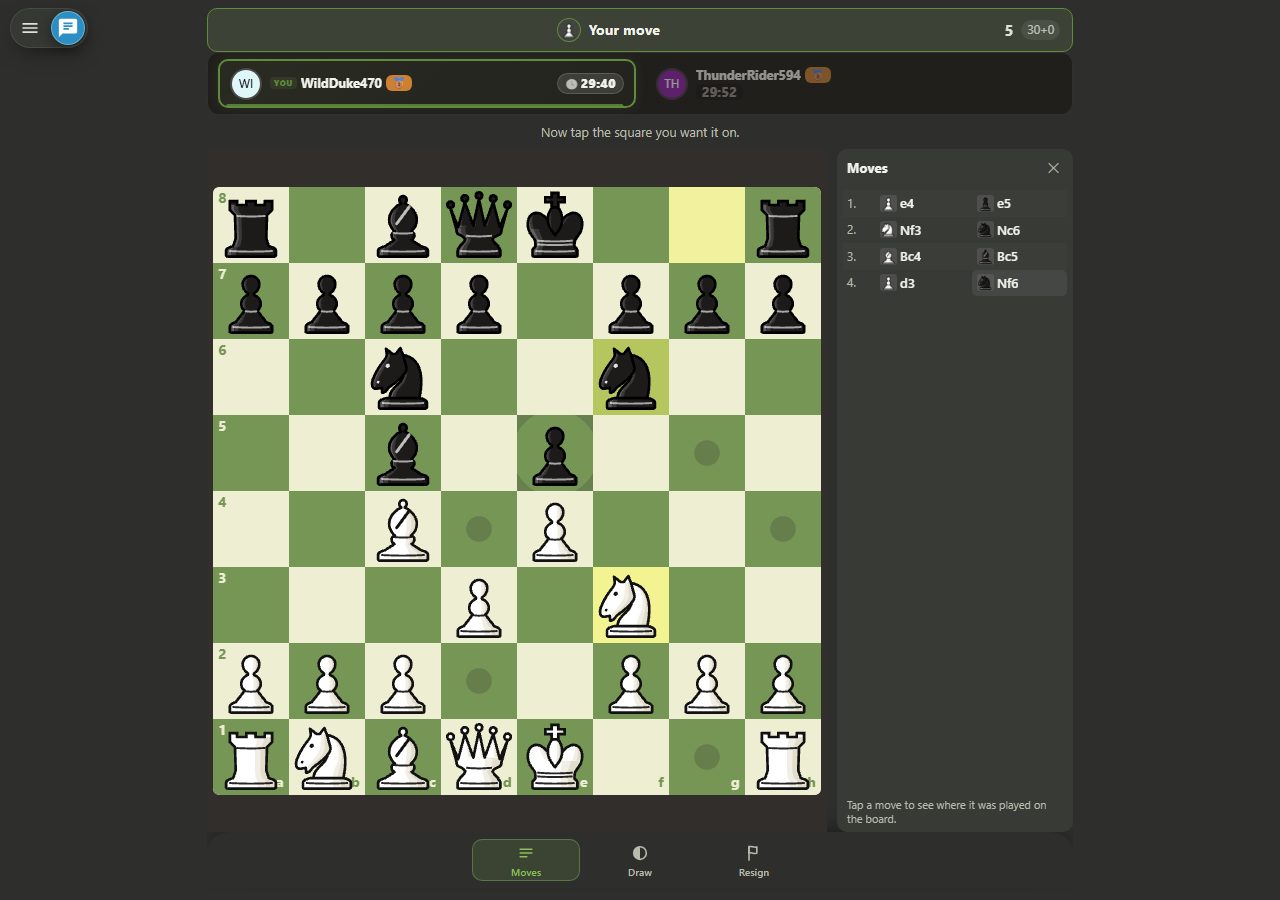
Press the Play button at the top of this page, or the quick-play button on the chess page, and you are seated against Mira, level 2. There is no sign-up step: if you are not signed in you play as a guest. The game is a 10+0 clock (ten minutes each, no increment), and your colour is a coin flip, so do not assume you will have White.
How the ladder moves
The quick-play button remembers how you did against the bots, one human against one bot at a time.
- Two wins in a row at a level: the next quick-play game seats the next rung up. At the top, Ingrid, you stay put.
- Two losses in a row at a level: it steps down. Four straight losses take you down two rungs, and it never goes below Pip.
- A draw resets both streaks, so it never moves you up or down.
- A rematch against a bot keeps the same level, eased down after a losing streak but never up.
After a win, the end screen offers the next rung as a button; nothing happens automatically. After two straight losses at a level it offers the rung below.
Picking a level yourself
You do not have to follow the ladder. There are two ways to choose.
- Create-room wizard: set the opponent to Computer, then use the Bot level row. Each rung shows its name, group and estimate, with badges: Beaten on rungs you have already won against, Up next on the rung above your highest win, and Recommended on Pip when you have no history. The wizard also has a Time option and a colour choice (white, black or random).
- In the room: if you are the host with an empty seat, the same picker appears in the players panel with a Seat button, for example “Seat Lena”.
A bot you pick this way keeps its own name at the table. The wizard remembers your last pick on that device.
Bot games are unrated, and you can take moves back
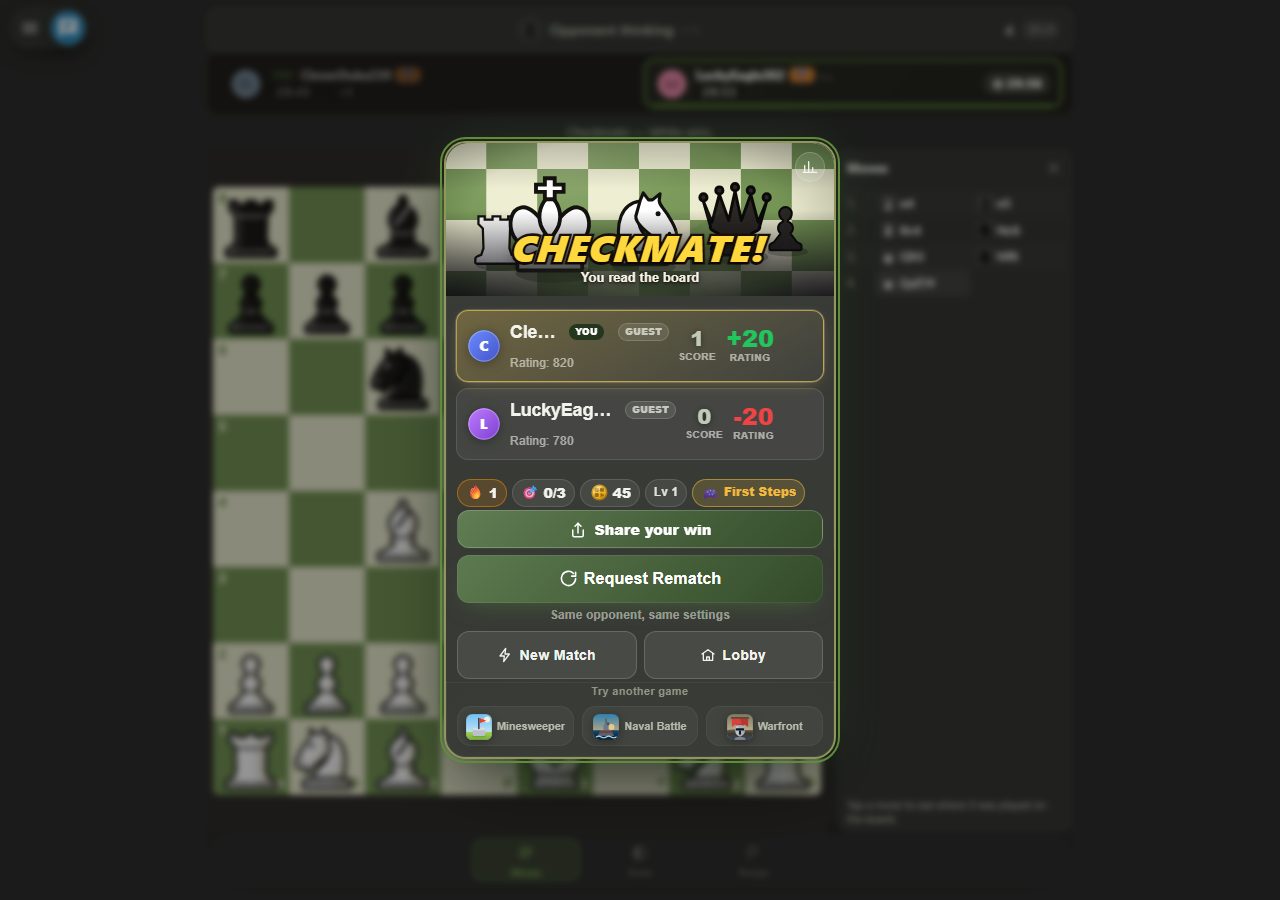
A match against a bot never changes your rating. Only a match between two humans is rated: a flat 20 points for a win, minus 20 for a loss, nothing for a draw, starting from 800. The finished-game card below shows a rated human match; a bot seat never shows a rating change. For how that number works, see chess ratings explained.
Against a bot, and only against a bot, a Take back button appears in the bottom row beside Moves, Draw and Resign. It undoes your last move and the bot’s reply, as often as you like. The clocks do not roll back, so taking moves back costs you time. Against another person there is no takeback.
Chess here has no hints, puzzles, tutorial or post-game analysis. What it does give a beginner: dots on every legal square and a ring on every capture, a red king when you are in check, a move list, and premoves. If you have never played, start with how to play chess.
Time controls
The create wizard offers seven clocks. Each is a whole-game bank plus an optional increment added after every move.
| Clock | Base | Increment | Family |
|---|---|---|---|
| 1+0 | 1 min | none | Bullet |
| 2+1 | 2 min | 1 s | Bullet |
| 3+2 | 3 min | 2 s | Blitz |
| 5+0 | 5 min | none | Blitz |
| 10+0 | 10 min | none | Rapid (default) |
| 15+10 | 15 min | 10 s | Rapid |
| 30+0 | 30 min | none | Classical |
The bot plays on a clock too, and running out of time loses the game. There is no unlimited option. More on choosing one in chess time controls.
Which level is for you
- Never played, or just learning the moves: Pip or Mira. They leave pieces en prise, so you can practise captures, checks and mating, and use Take back freely.
- You know the rules and avoid blunders: Theo or Lena. They guard their pieces, so you have to make a real threat. Lena sees simple tactics, which makes her a good test for forks and pins.
- Comfortable with tactics: Omar and Vera plan ahead and give nothing away. From Omar upward a bot may resign a lost game; the four lower rungs never do, so you practise finishing the job.
- Looking for a real fight: Hugo calculates deep and knows endgames; Ingrid has no weaknesses to find.
The simplest plan is to press Play, win twice, and let the ladder carry you up. When you lose, look at the move list to find the move that went wrong, and read how to get better at chess for what to work on next. Teaching a child? See chess for kids. When you are ready, open the chess page.
Frequently Asked Questions
Can I play chess against the computer for free?
Yes. Chess against a bot is free in the browser, with no download, and you can start as a guest without signing up. The default board is also free.
How many levels does the computer have?
Eight named levels: Pip, Mira, Theo, Lena, Omar, Vera, Hugo and Ingrid, grouped as Novice, Beginner, Intermediate, Advanced and Master. Pip is the easiest and Ingrid plays at full strength.
Which level should a beginner choose?
Quick play seats a first-time player against Mira, level 2, who spots one-move threats but never counts a trade to the end. If you are brand new to the moves, Pip is easier. If you already avoid blunders, try Theo.
Can I take back a move against the computer?
Yes, but only against a bot. Take back undoes your last move and the bot’s reply, and you can use it as many times as you like. The clock does not go back, so you still lose the time.
Do games against the computer change my rating?
No. Only matches between two humans are rated, and the rating moves by a flat 20 points per win or loss, starting at 800. Bot games never change it, however strong the bot.
How does the computer level change after I win or lose?
With quick play, two wins in a row at a level move you up one rung, and two losses in a row move you down. A draw resets both streaks. Choosing a level yourself in the create wizard ignores this.